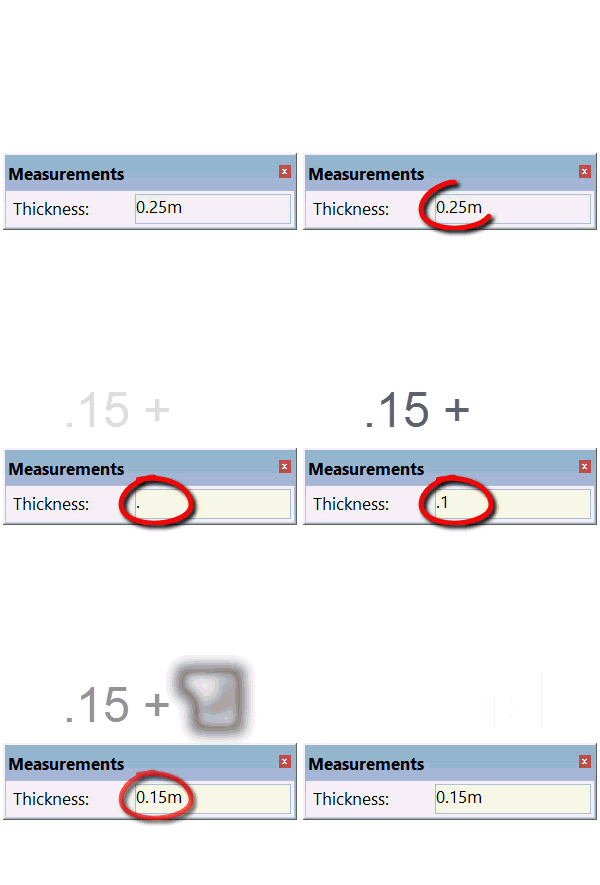
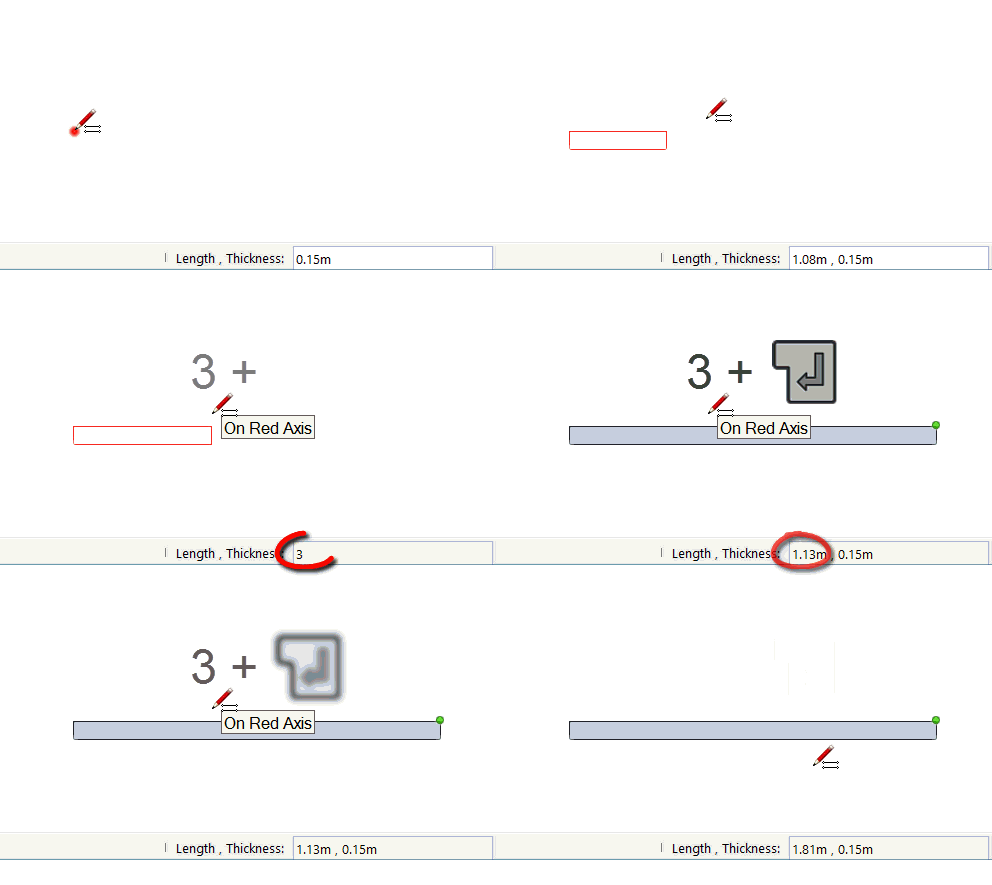
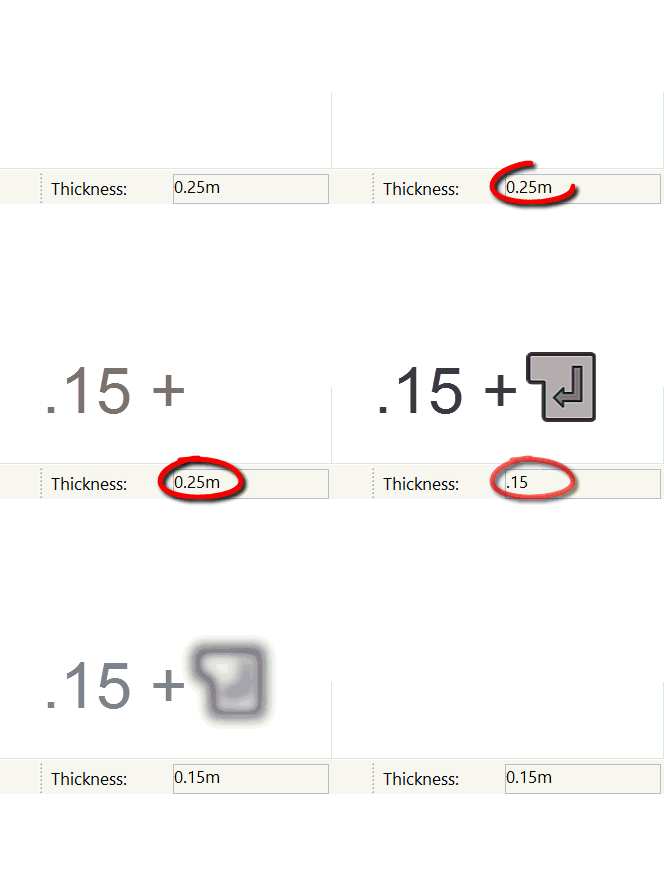
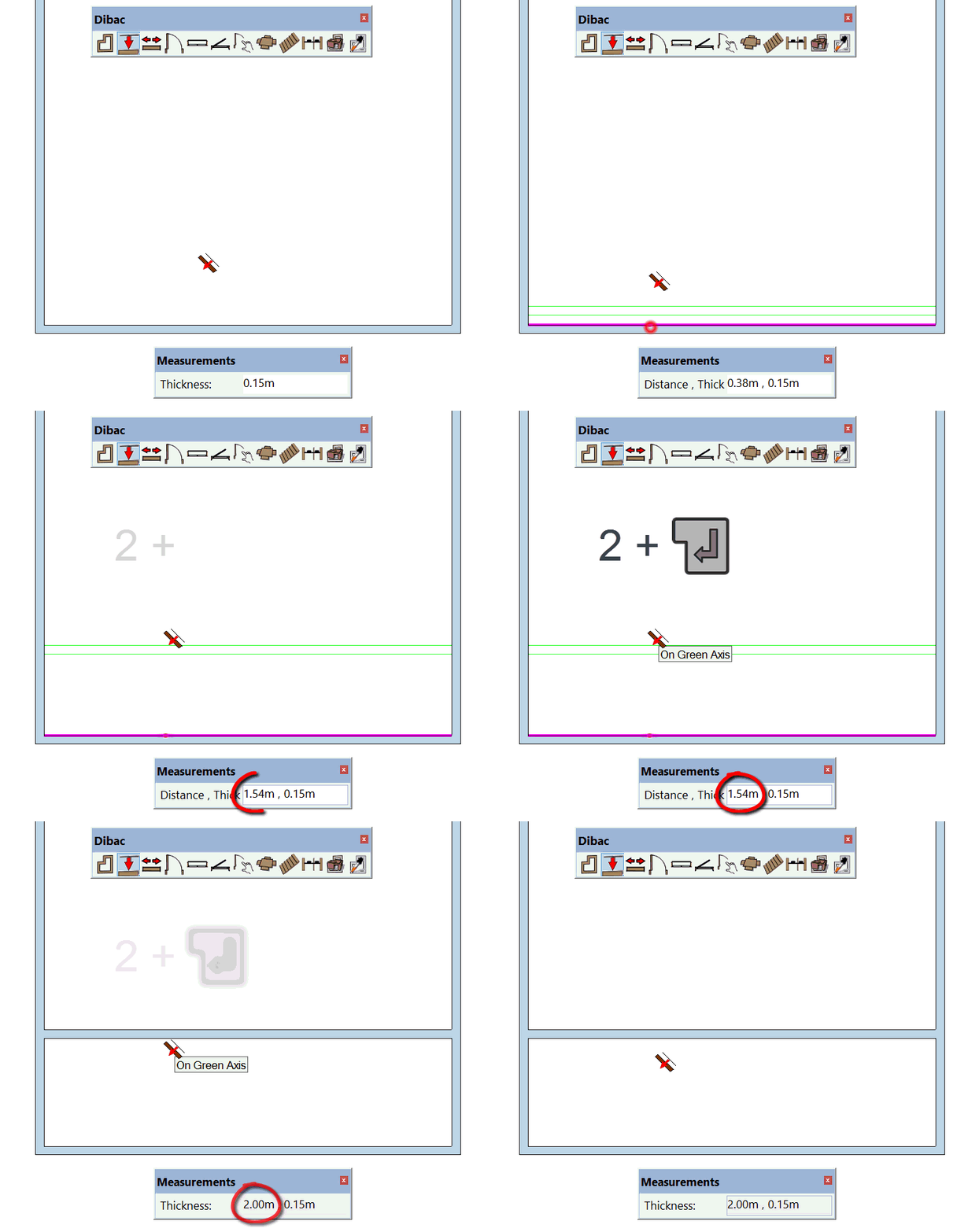
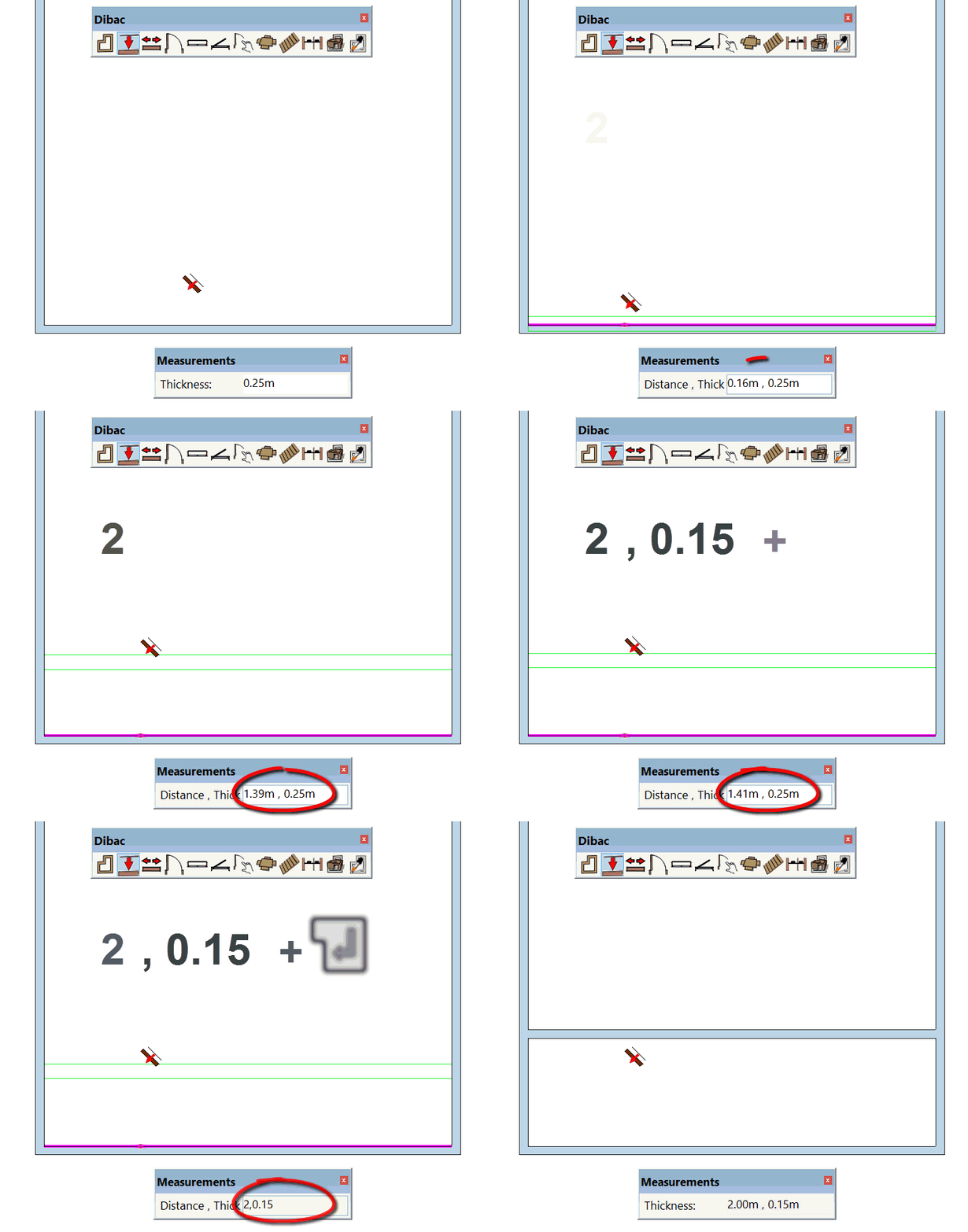
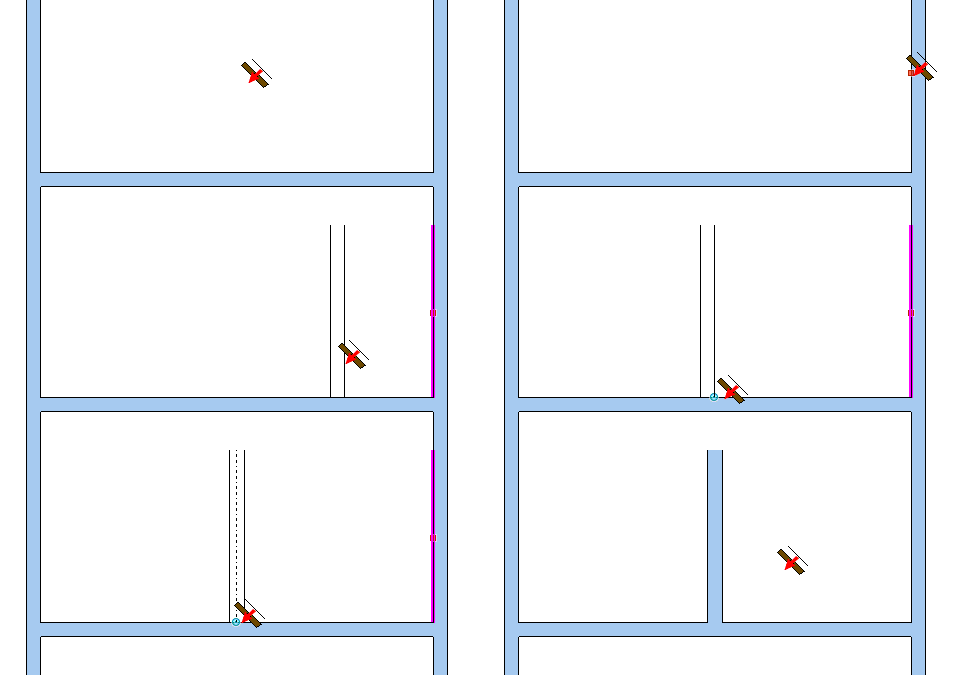
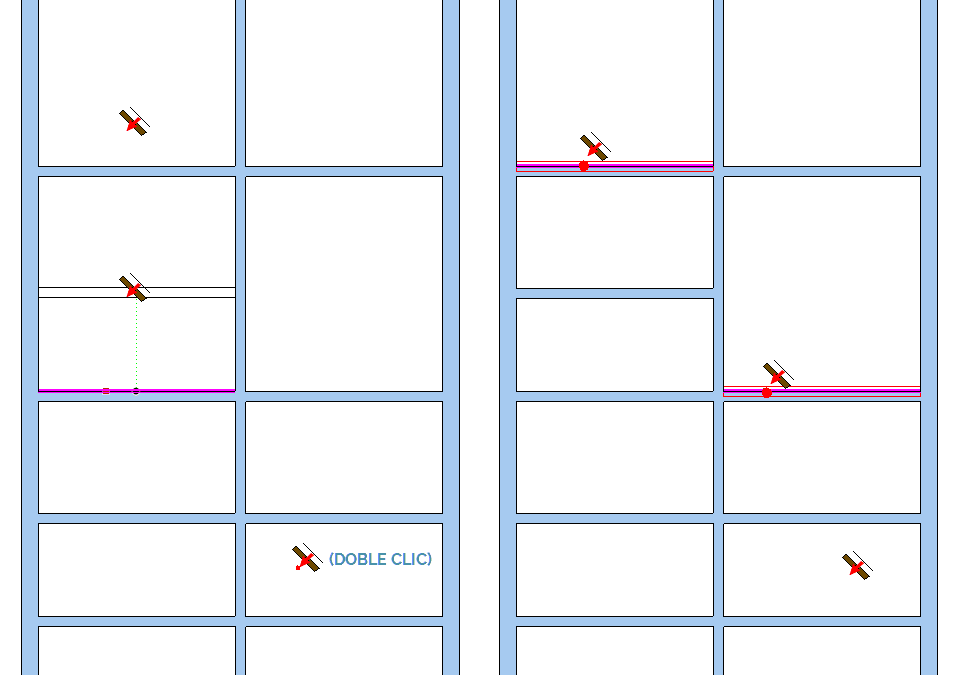
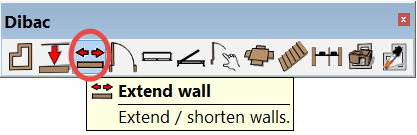
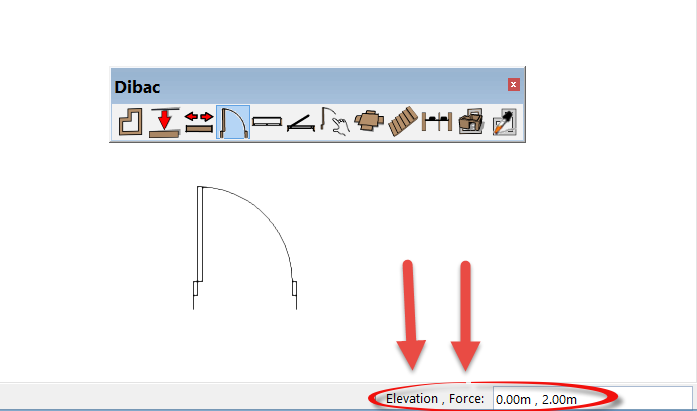
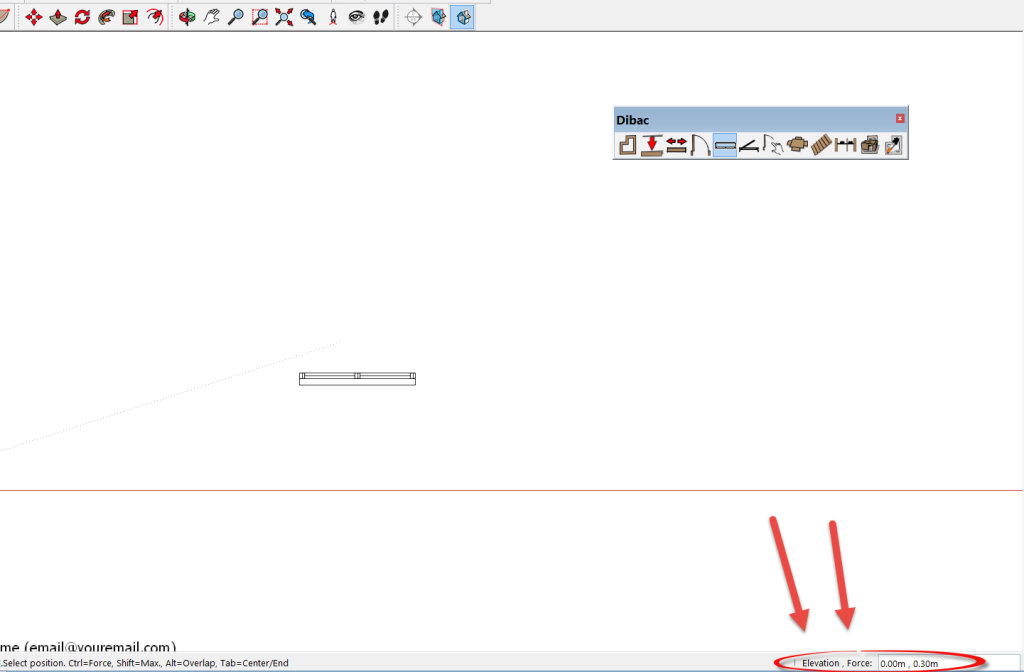
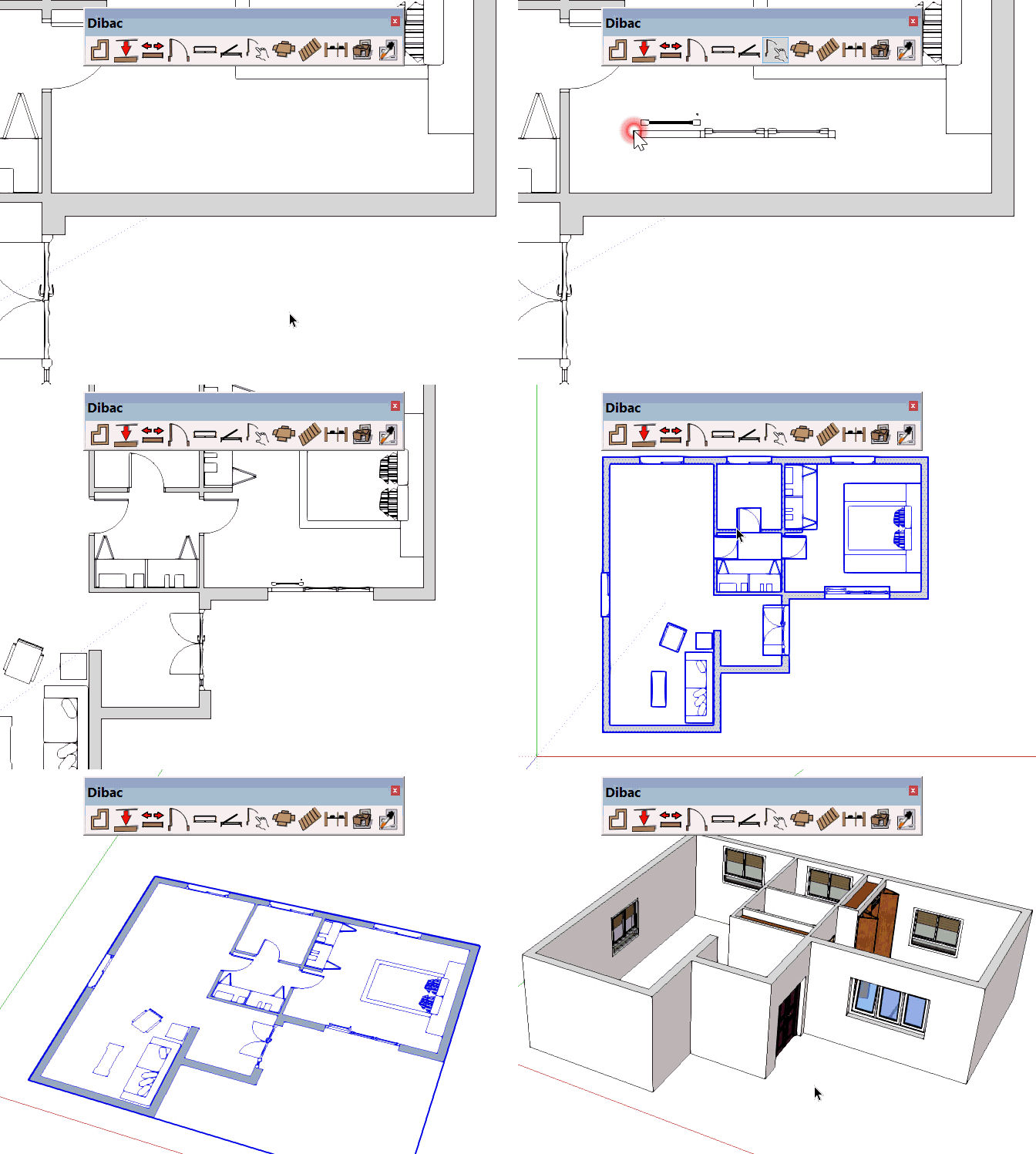
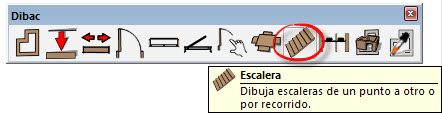
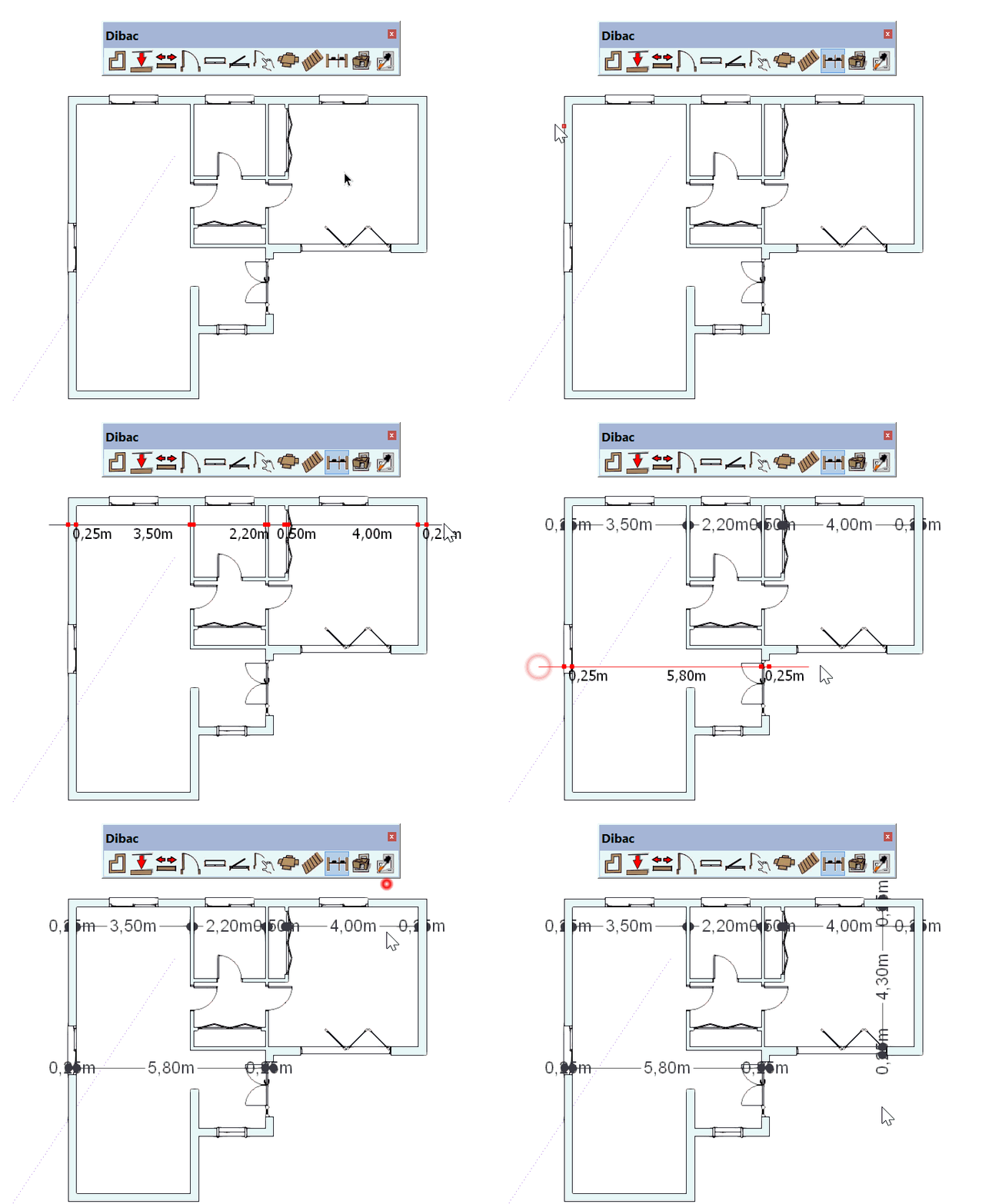
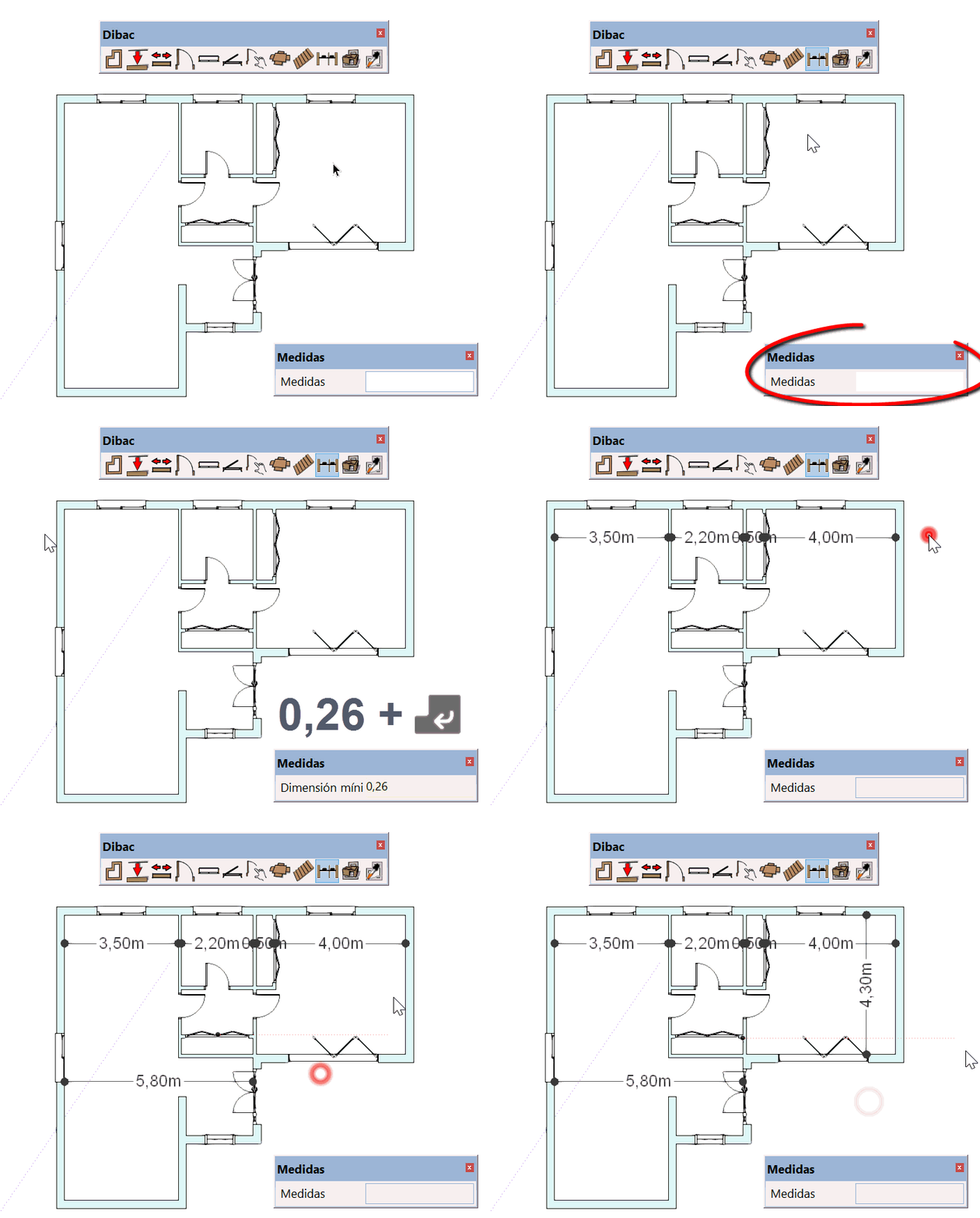
Once the WALL tool has been selected  , you will see that you can introduce the measurement for the THICKNESS of the wall in the SketchUp box of values.
To change its thickness, simply type in the desired measurement and press the ENTER key to confirm.